

Every image on the web should have alt text. It's one of the simplest things you can do to improve both search rankings and accessibility, yet it's routinely skipped or done poorly.
What Alt Text Actually Does
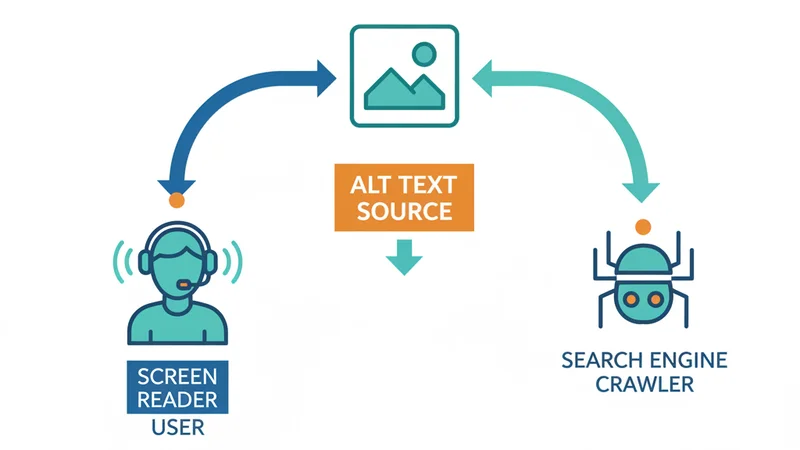
The alt attribute on an <img> tag serves two distinct audiences:
- Screen readers read alt text aloud to visually impaired users, giving them context about images they can't see.
- Search engine crawlers use alt text to understand image content, since they can't "see" images either.
When alt text is missing, screen readers either skip the image entirely or read the filename, which is rarely helpful. Search engines lose a ranking signal. Everyone loses.
The SEO Impact
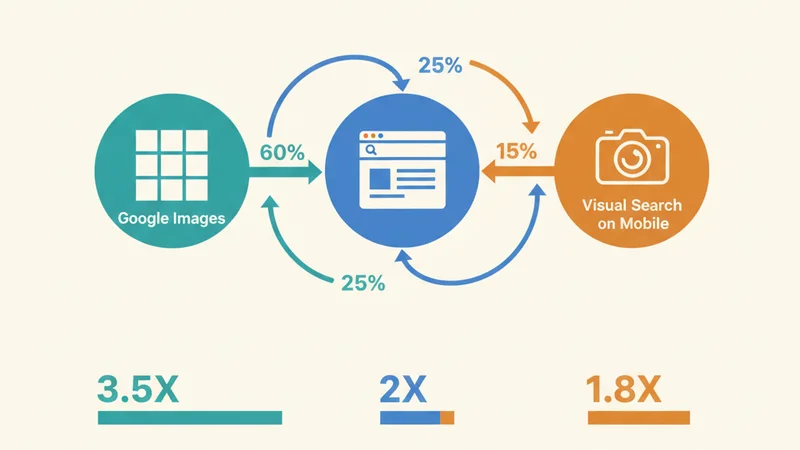
Google Images drives a meaningful share of organic traffic for many websites. Google has stated directly that alt text is one of the primary factors it uses to understand image content and determine relevance for image search queries.
Good alt text helps your images appear in:
- Google Images results - the second-largest search engine by volume
- Regular web search - images increasingly appear in standard search results
- Google Lens and visual search - growing rapidly on mobile
Beyond direct image rankings, well-written alt text strengthens the overall topical relevance of your page, which can improve your rankings for related text-based queries too.
What Good Alt Text Looks Like
Good alt text is descriptive, specific, and concise. It should describe what the image shows in a way that makes sense if you can't see the image.
Examples
| Image | Bad Alt Text | Good Alt Text |
|---|---|---|
| Product photo | "image1.jpg" | "Red running shoes on white background, Nike Air Max 90" |
| Team photo | "team" | "Five team members standing in modern office lobby, smiling" |
| Chart | "chart" | "Bar chart showing 40% increase in organic traffic from January to June 2025" |
| Screenshot | "screenshot" | "WordPress media library showing uploaded images with AI-generated metadata" |
Common Mistakes
- Too vague: "Photo" or "Image" tells nobody anything useful
- Keyword stuffing: "Best cheap running shoes buy running shoes online discount running shoes" hurts more than it helps
- Too long: Screen readers will read the entire text, so keep it under 125 characters when possible
- Repeating the caption: If a visible caption already describes the image, the alt text should add context the caption doesn't cover
Writing Alt Text at Scale
Writing good alt text for a handful of blog images is straightforward. But it becomes a genuine bottleneck when you're dealing with:
- E-commerce catalogues with hundreds of product images
- Blog posts with multiple screenshots or photos
- Portfolio sites with dozens of project images
- Content migrations where legacy images have no alt text at all
At that scale, the choice is usually between spending hours writing alt text manually or shipping images without it. Neither option is great.
This is where AI-powered alt text generation becomes practical. Rather than choosing between quality and speed, you can generate descriptive, contextual alt text for each image automatically, then review and adjust as needed.
SquishMate generates alt text (along with titles, descriptions, captions, and filenames) for every image you process. You can also provide context about your content so the generated text is relevant to your specific use case, not just a generic description of what's in the image.
Beyond Alt Text: The Full Image Metadata Stack
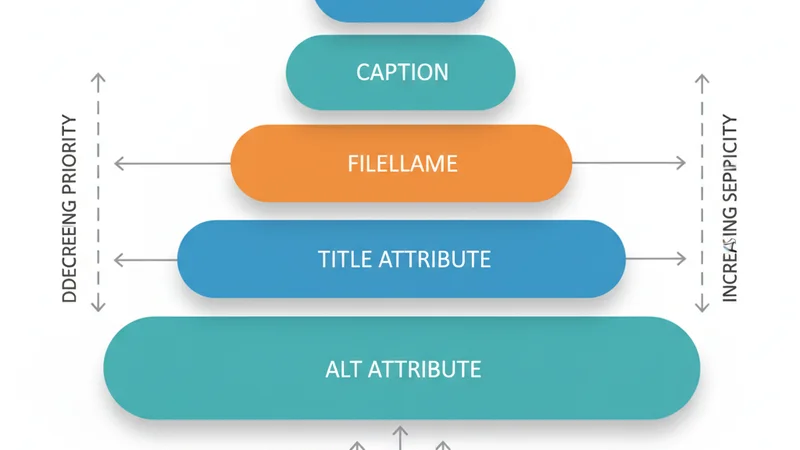
Alt text is the most important piece of image metadata, but it's not the only one. For complete image SEO, you should also consider:
- Title attribute, displayed as a tooltip on hover, useful for additional context
- Filename,
red-running-shoes-nike.webpis better thanIMG_4523.webp - Caption, visible text below the image, useful for editorial context
- Description, used by some CMS platforms (including WordPress) for library search
Each field serves a slightly different purpose, and together they build a comprehensive signal for both users and search engines.
Quick Checklist
- Every meaningful image has descriptive alt text
- Alt text describes the image content, not the page content
- Decorative images use
alt=""(empty) to be skipped by screen readers - No keyword stuffing, write for humans first
- Alt text is under 125 characters where possible
- Filenames are descriptive and use hyphens, not underscores
Next Step
Open your 5 highest-traffic pages in Google Search Console, filter to "Image" search type, and check which images are getting impressions. If any of those images are missing alt text, fix them first. That's where the ranking lift is most measurable. Each one takes about 10 seconds to write.